01
Upload your art
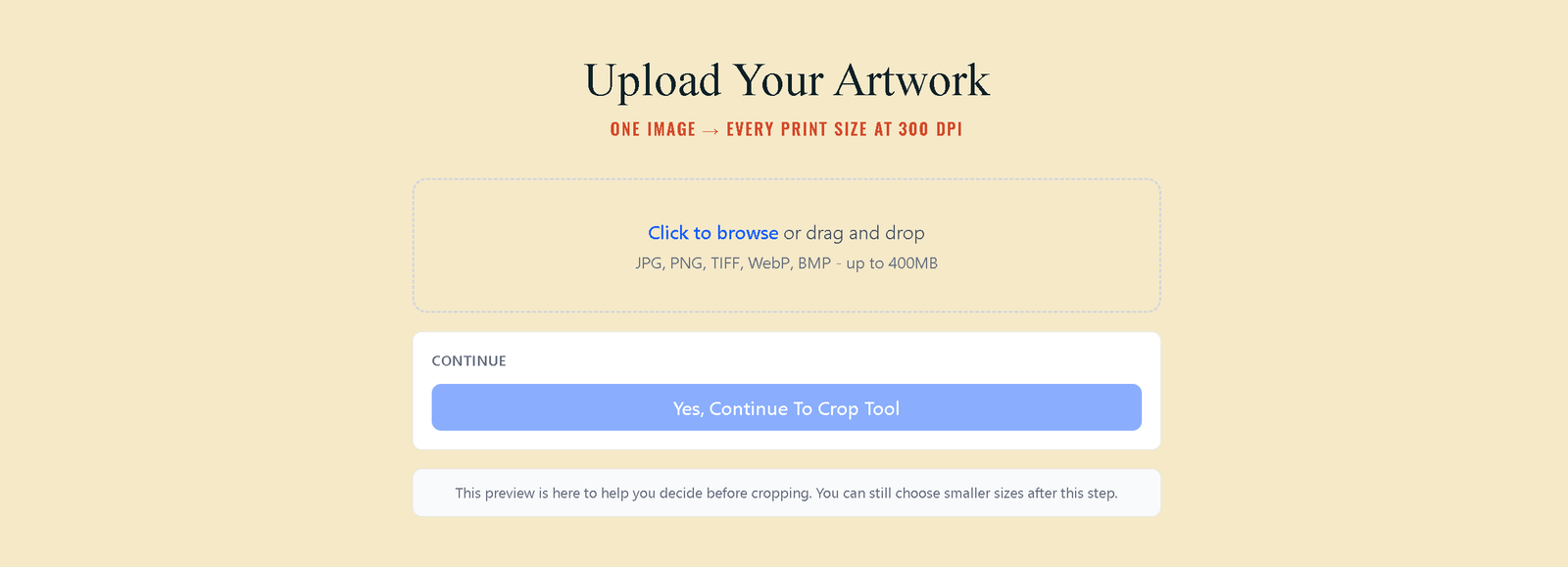
Upload any art file. PrintPrep reads the resolution and determines which sizes and ratios it can support at 300 DPI.
Loading...
Resize, upscale, and mockup your printable art files in two minutes.
No credit card required. No Photoshop, Kittl, or Topaz needed. No design skills required.
Most printable art sellers know this workflow. Download your art. Open Photoshop. Calculate the pixel dimensions for 300 DPI. Resize for one ratio. Export. Repeat for every size. Switch to Topaz for upscaling. Back to Photoshop for mockups. Do it again for every ratio your buyers might want.
Get one pixel wrong and the print comes out warped. Get the DPI wrong and it comes out blurry. And after all that, you still have to write the listing.
There is a better way.
The average Etsy printable seller spends 2 to 3 hours preparing files for a single listing. Multiply that by every ratio, every size, every mockup — and you are looking at a full day of work before a single listing goes live.
That is time you could spend creating new designs. Designs that bring in more revenue. More listings means more chances to be found, more sales, more income — but only if you can actually get the files ready fast enough.
Sellers who publish more, earn more. PrintPrep gives you the hours back.
Free to start. No credit card required.
PrintPrep replaces Photoshop, Topaz, and Kittl with a single tool built specifically for printable art sellers. Upload your art once, choose your ratios, and PrintPrep handles the math — pixel dimensions, DPI, upscaling, and mockups — automatically.
No formulas. No guessing. No wrong sizes. Just print-ready files and mockups, ready to drop into your listings.
Upsizing stretches pixels. Upscaling generates new ones. PrintPrep uses AI upscaling so your large format prints look sharp, not blotchy — even from a smaller source file.
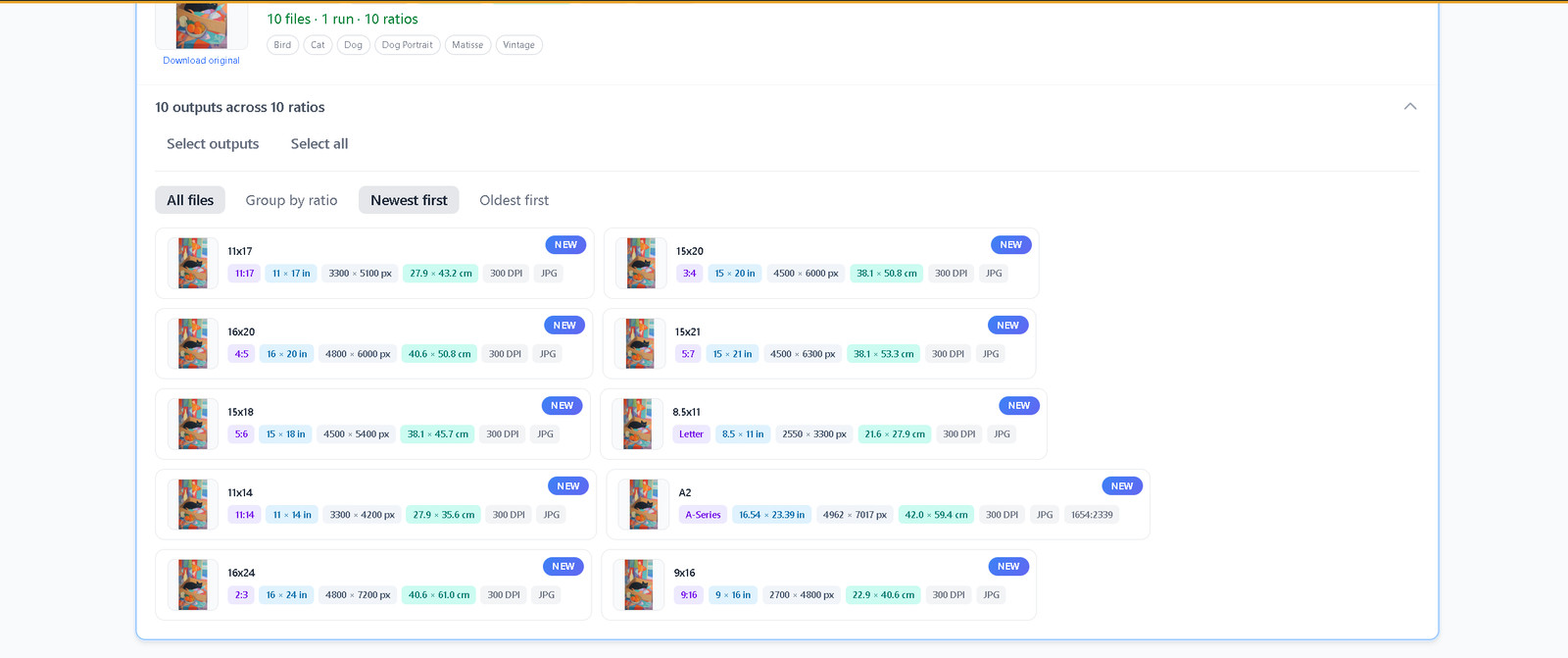
Every output file is labeled with its exact print size. A 16×24 output prints at 16×24 inches at 300 DPI. No ambiguity, no buyer confusion, no returns.
No separate mockup subscription. No watermarks on free tier. Every plan includes full mockup access — up to 20 art pieces per run across your chosen interior scenes.
Place your art freeform on a wall, in a single frame, or compose gallery walls with 2 or 3 frames — all matched to the correct print size automatically.
PrintPrep remembers your crop choices. Reprocess any art item anytime and your previous crop, ratio, and size selections are pre-filled. Tweak or start over.
Switch any ratio from portrait to landscape on the fly. One upload can generate up to 70 outputs across both orientations — ideal for art that works either way.
Upload any art file. PrintPrep reads the resolution and determines which sizes and ratios it can support at 300 DPI.
Select your ratios with one toggle click per ratio. PrintPrep handles the math. Then choose your interior mockup scenes — filter by size, frame count, or style.
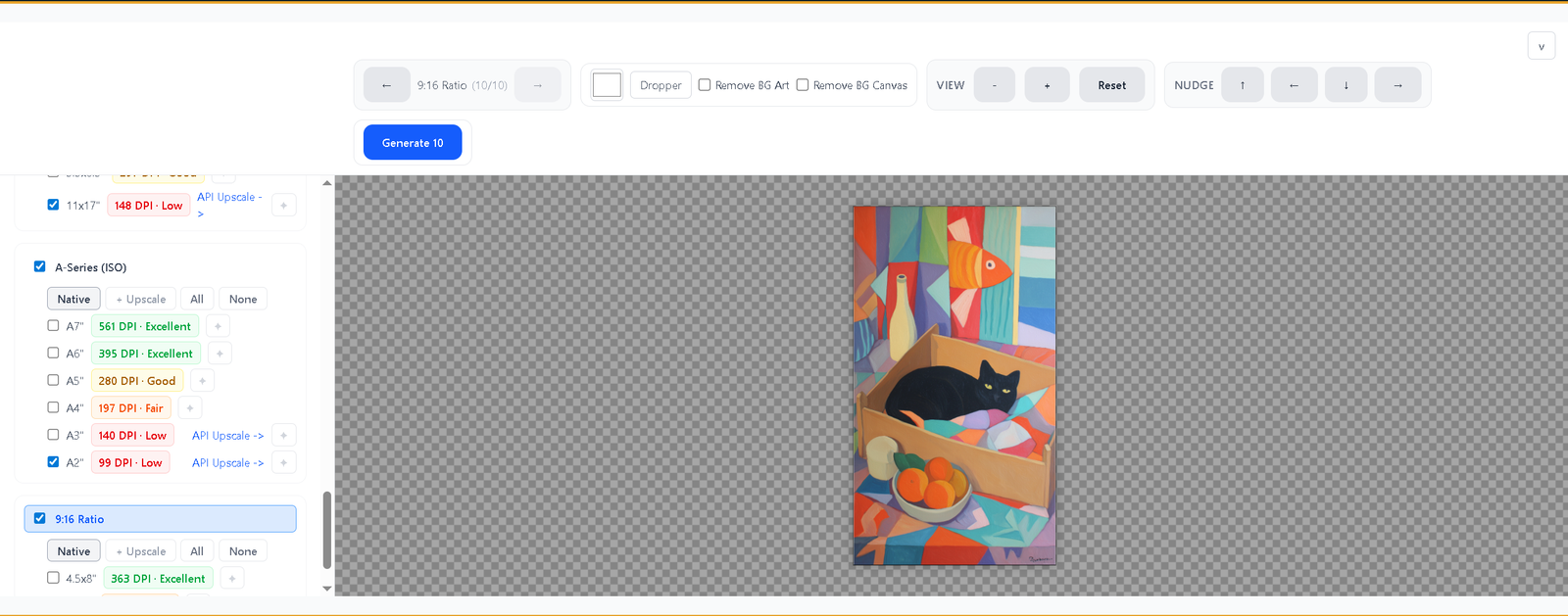
Click generate. Your print files and mockups process together and download as a zip — labeled, sized, and ready for your listings.
No credit card. Full features from day one.
PrintPrep is in early access. Free accounts include 3 upscale credits per month — enough to see exactly what your buyers will receive. Full features, no restrictions, no commitment.
Cancel or downgrade anytime. Your outputs are always yours to keep.